Mom’s Guide to Creating a Simple Digital Filing System

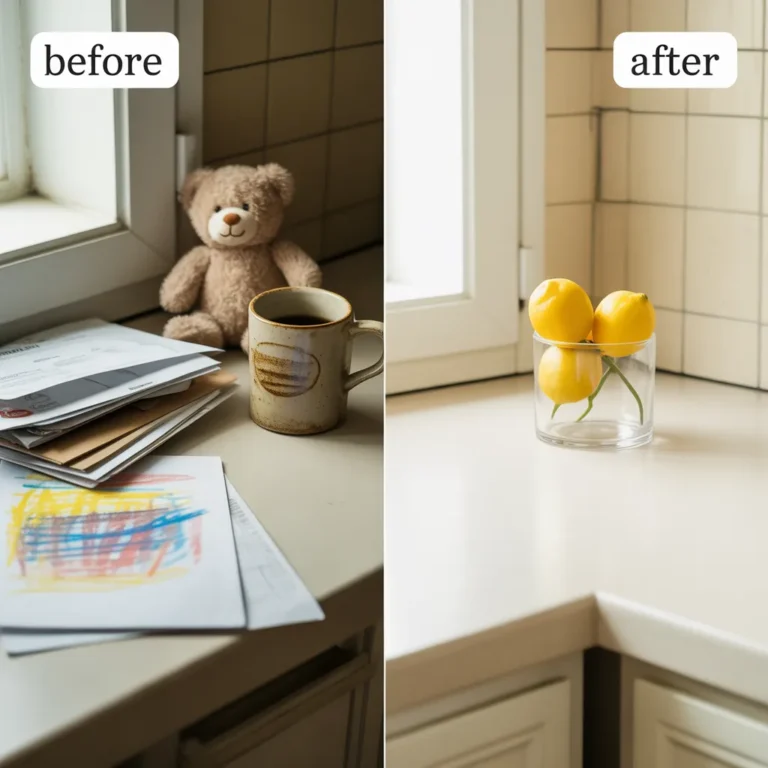
Does your heart start to pound every time you need to find a birth certificate or an old bill? I’ve been there. For years, my “filing system” was a collection of doom piles on the kitchen counter, and the thought of tackling them was so exhausting I’d just… not.
It’s completely normal to feel paralyzed by paper chaos. You’re not disorganized; you’re a busy mom. But what if I told you that you could finally organize family documents with a simple, working digital system in the next 30 minutes, using just your phone? No fancy scanners, no expensive software, just a tiny bit of progress that will make you feel amazing.
Let’s do it together.

Why This Isn’t Just More Work
I know what you might be thinking, or what your partner might be saying: “Another project? Don’t we have enough to do?” If getting your partner on board feels like a big hurdle, I have a complete guide on how to discuss clutter with your partner. This isn’t about making things pretty; it’s about making life easier through simple digital file organization.
This simple digital filing system is one of the most practical things you can do for your family’s document management.
- Find Anything in Seconds. No more frantic searching for the car title or the kids’ immunization records when you need them now.
- Peace of Mind in an Emergency. Having digital copies of your passports, insurance cards, and IDs accessible on your phone is a game-changer.
- It’s 100% Free. We are using tools you already have. This is a zero-cost way to get a big win for your home.
The Only 3 Things You Need to Start
See? We’re keeping it simple. You don’t need to create a professional Home Office or buy a single new thing. All you need is:
- Your Smartphone:It has a fantastic scanner built right into the Notes app (for iPhone) or the Google Drive app (for Android). It’s perfect for this.
- A Free Cloud Account: We’ll use Google Drive for our example, since most of us already have a Gmail account. Dropbox or OneDrive work great, too.
- One Small Pocket of Time: We’re not trying to organize everything today. We’re just aiming to scan one single thing. You’ve got this.
Your Simple 3-Step Digital Filing System
Ready? Let’s take that first step. This is the core of our simple paperless home system.
Step 1: Create Your Four Core Folders
We’re starting with just four main categories. You can always add more later, but this is all you need to feel in control today. Open your Google Drive and create these four folders exactly as named:
01_FINANCIAL02_PERSONAL_ID03_MEDICAL04_HOUSEHOLD
Quick Tip: The numbers in front are a tiny hack that keeps your most-used folders in the same order at the top, so you never have to hunt for them. It’s a simple trick for better storage and organization from the start.
Step 2: Scan Your Very First Document
Pick one important document. A birth certificate is a great first one. Now, let’s scan it.
- For iPhone: Open the Notes app, create a new note, tap the camera icon, and choose “Scan Documents.”
- For Android: Open the Google Drive app, tap the big “+” button, and choose “Scan.”
Hold your phone over the document, and it will automatically capture it. Now, give it a simple name. Our rule is: What it is + Who it’s for.
Birth Certificate - Jessica.pdfCar Title - 2022 Honda.pdf
It doesn’t have to be perfectly straight. Done is so much better than perfect.
Step 3: Put It In The Right Folder
Now, just move that file you named Birth Certificate - Jessica.pdf into your 02_PERSONAL_ID folder.
That’s it! You did it! You officially have a working digital filing system. Take a breath and feel that little spark of accomplishment. It’s a bigger deal than you think.
Feeling Good? What to Scan Next (Your Printable Lifeline)
Now that you have the basic structure, you can start chipping away at the paper piles. This system is perfect for everything from financial planning statements to receipts for your kids’ craft supplies. I use it to save instructions for things like that diy phone case I wanted to make and even to track the budget for our weekly meal planning.
To help you build on this win, I’ve created a simple one-page Digital Filing Starter Kit. It’s a printable lifeline that tells you exactly what to do next, so you don’t have to waste any energy guessing. It includes:
- A visual of the 4-folder structure.
- A checklist of the most important documents to scan first.
- A simple reminder of the file naming rule.
[Download Your Free Digital Filing Starter Kit Here]
Once you have your core documents saved, think of all the future projects this system will simplify. Whether it’s event planning for a birthday, looking back at your old wedding planning notes, or finally starting that garden planning project you’ve dreamed of, you’ll know exactly where everything is.
Frequently Asked Questions
- Is it safe to store important documents online? It’s very safe if you use a strong password and turn on two-factor authentication (2FA). It’s a simple security step that sends a code to your phone before letting anyone log in.
- What about originals? Do I shred everything? No, you don’t. Think of this as your “easy access” system and backup. For vital documents like birth certificates, social security cards, house deeds, and passports, you must keep the original hard copies in a secure, fireproof box. This digital system is for having a copy at your fingertips anytime, anywhere. It’s also great for scanning kids’ school papers, like that study planner or lesson planning sheet the teacher sent home.
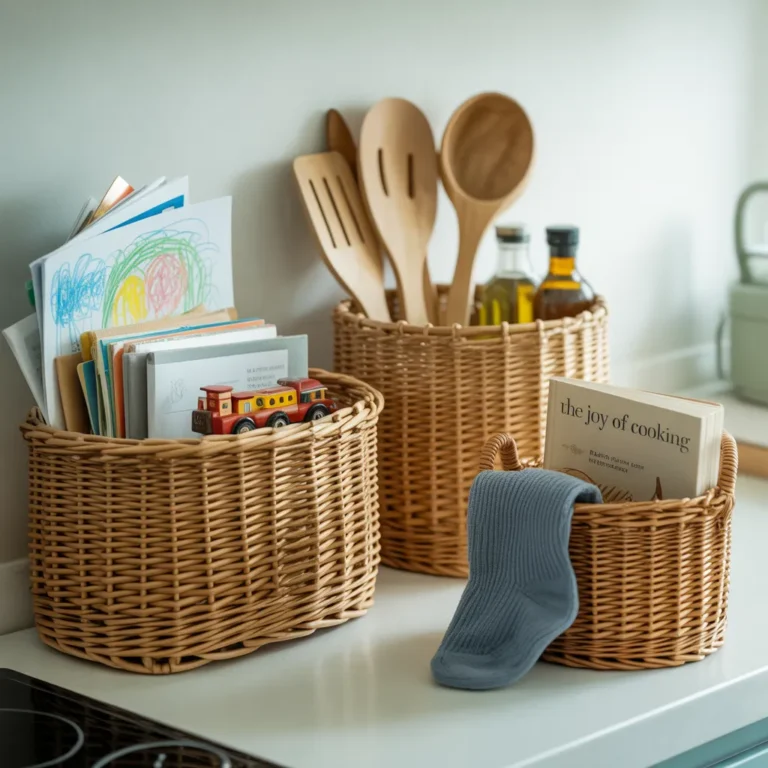
- How do I keep up with new papers? Find one spot in your home—a simple tray or basket—where all new mail and papers go. Once a week, spend 10 minutes scanning and filing what’s in the tray. This small routine is the key to long-term digital document organization and will prevent the piles from ever coming back. It beats having to do major closet organization every year because the papers have taken over! Soon it will feel as routine as any other household task, like handling the bathroom organization.
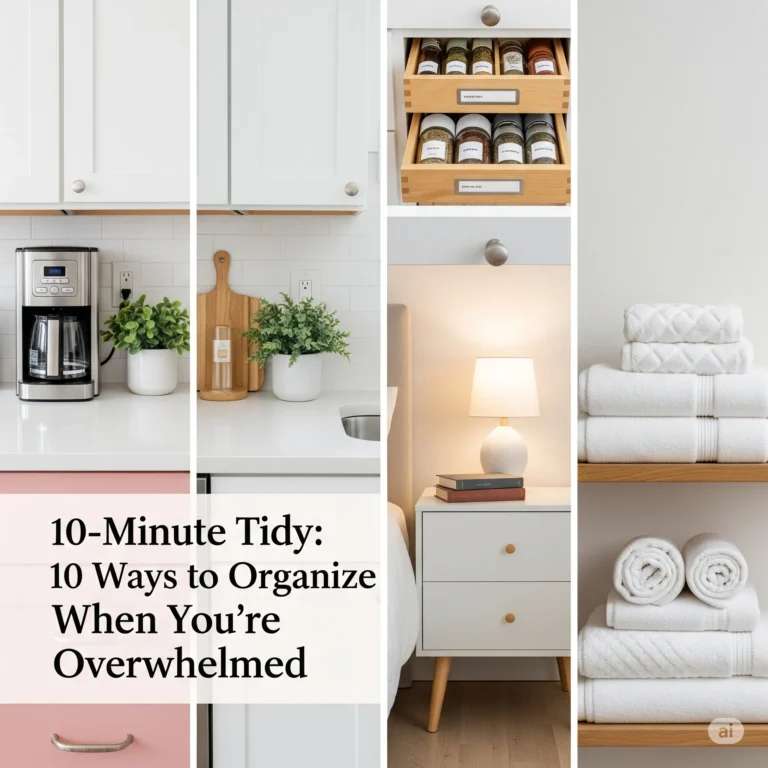
You took the first, hardest step today. You proved you can do this. This one small system is a building block. If you’re feeling motivated and ready to build on this win, I have a list of things you can organize in just 10 minutes to keep the momentum going.
It’s the kind of foundation that frees up mental space, so you have more energy for the fun stuff—whether that’s a new hobby like making DIY candles or just having five extra minutes to sip your coffee in peace.
Remember, it’s all about progress, not perfection. You’ve got this.